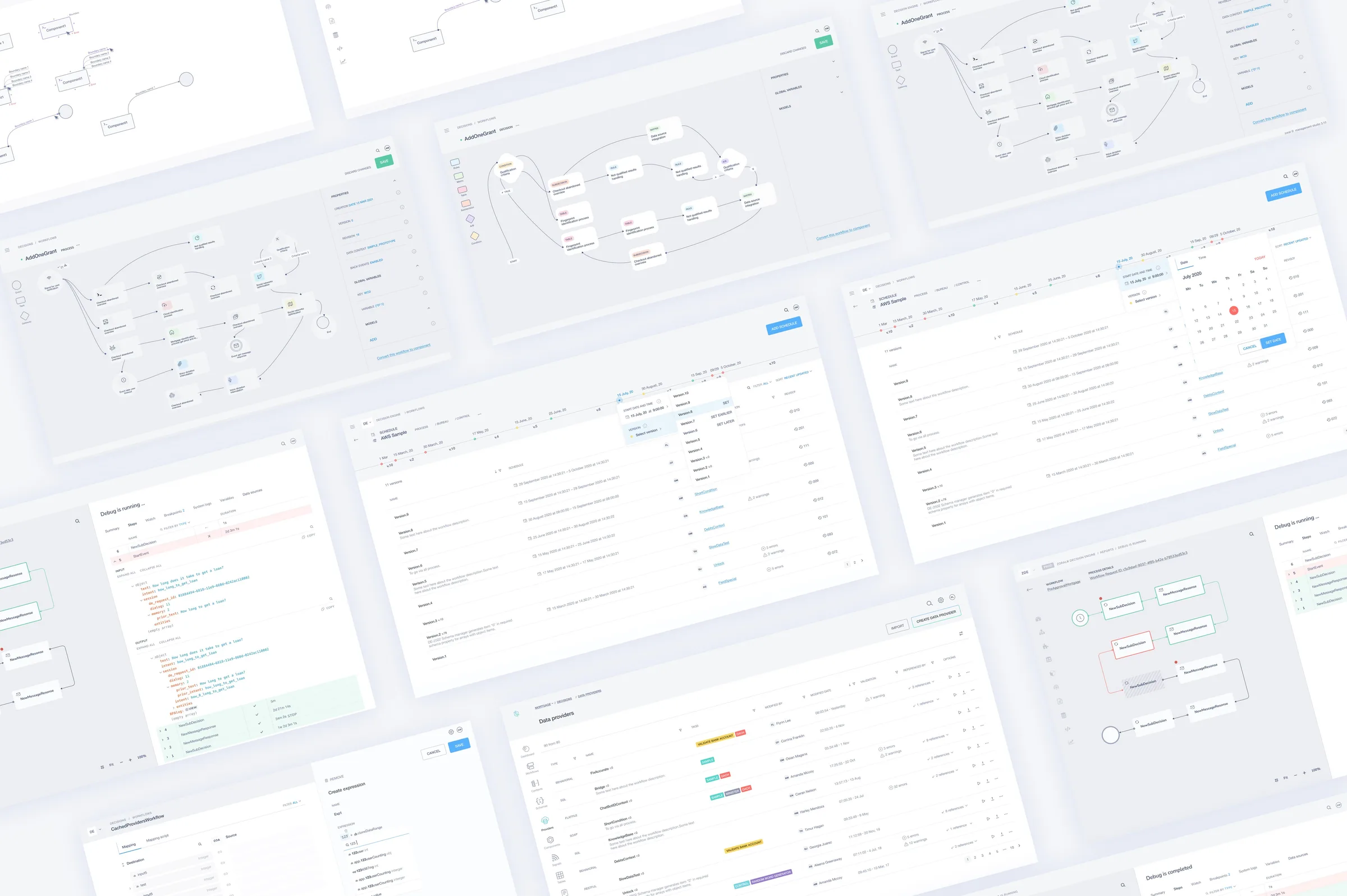
The Challenge
The platform originally functioned as an engineering-heavy internal decisioning system built primarily for technical users. Business teams were highly dependent on engineers to configure workflows, which limited scalability and slowed down operations. The challenge was to transform this system into a user-friendly, no-code platform for building and managing decision workflows independently.
Understanding User Roles, Workflows, and Adoption Barriers
I synthesized research insights into role-based personas representing key platform users: operational analysts, low-code builders, and business administrators. These personas directly informed onboarding simplification, workflow customization patterns, reusable logic design, and predictable, confidence-building interactions for non-technical users.
Journey Mapping From Onboarding to Scale
I mapped the full journey from initial onboarding to workflow configuration, integrations, testing, and long-term usage. Complexity wasn’t isolated to a single feature — it accumulated across multiple stages, with the highest friction during initial setup, integration with external systems, and configuring decision logic for the first time.
Restructuring the Information Architecture
A card-sorting workshop revealed how users naturally grouped workflows, reusable components, and collaboration spaces. That shaped a clearer architecture built around Marketplace, Organization, and Workspace domains — resulting in faster navigation, clearer domain ownership, and lower onboarding friction.
Designing a Scalable System: From Architecture to Real Workflows
I translated high-level information architecture into concrete user interactions, ensuring structural decisions are reflected in real workflows — a component system that translates complex logic into structured, user-friendly interactions.
Translating Structure Into UI Patterns
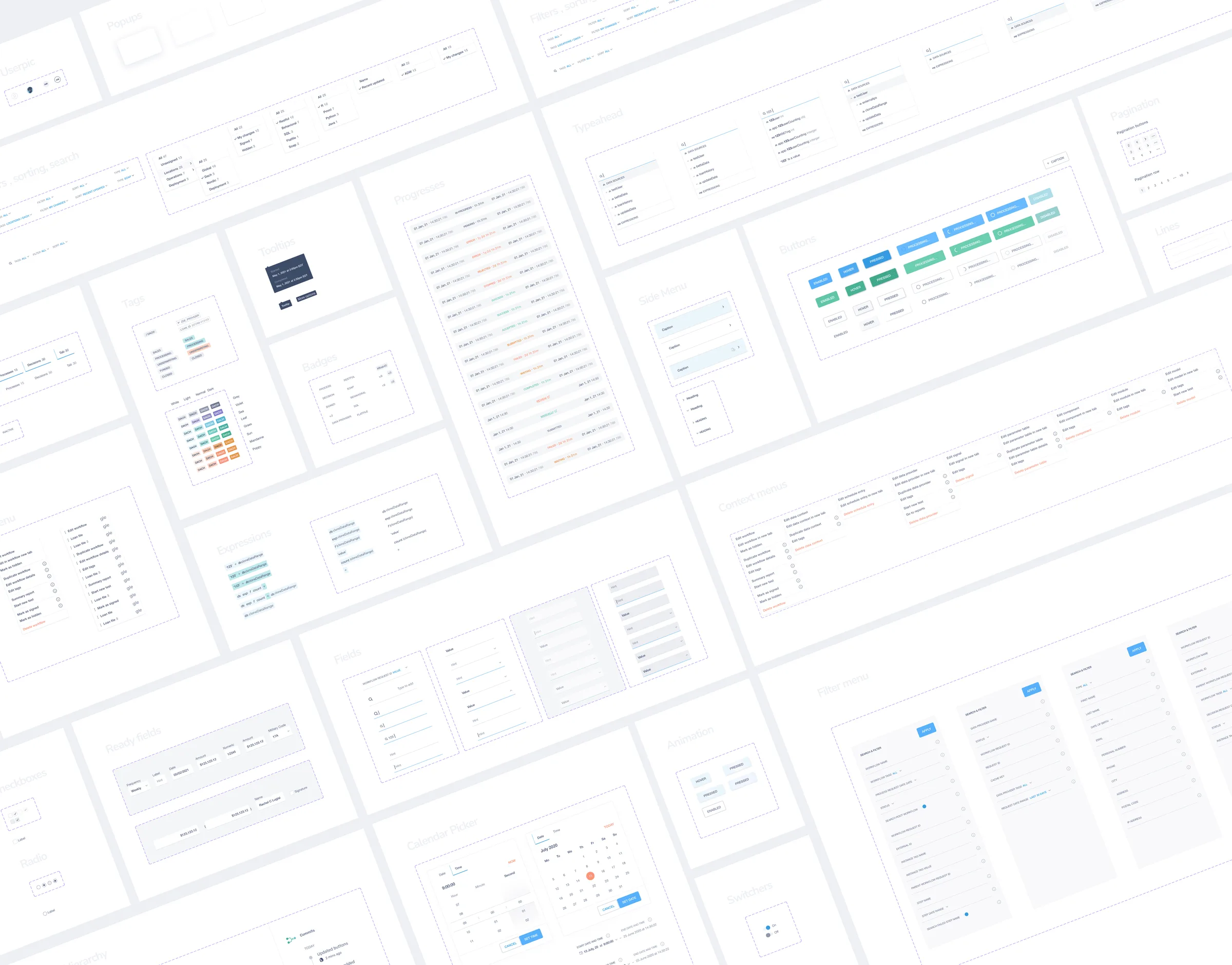
Based on the defined information architecture, I designed consistent UI patterns that make complex workflows easier to build and manage — enabling scalable and predictable user flows.
Designing Real Workflows With the System
I designed a system that translates complex business logic into clear and consistent user interactions, then used it to create real user workflows reflecting both business logic and technical constraints. Components were structured to support real decision-making flows, not just individual UI elements.
Key Elements of the Design System
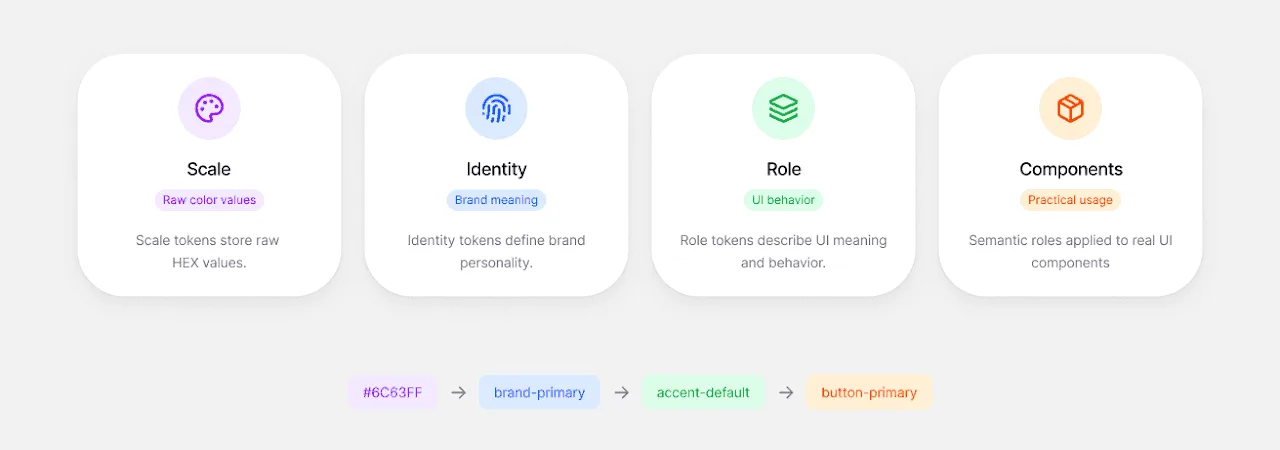
A color system ensures visual consistency across all components and states. Typography and iconography define hierarchy and improve readability in complex workflows.
Applying the System in Real Scenarios
User interviews validated assumptions and surfaced opportunities to simplify flows. Business-level and technical-level user groups required different levels of control, flexibility, and abstraction — which directly shaped how workflows were structured into clear, step-by-step flows.
From System to Real Product Experience
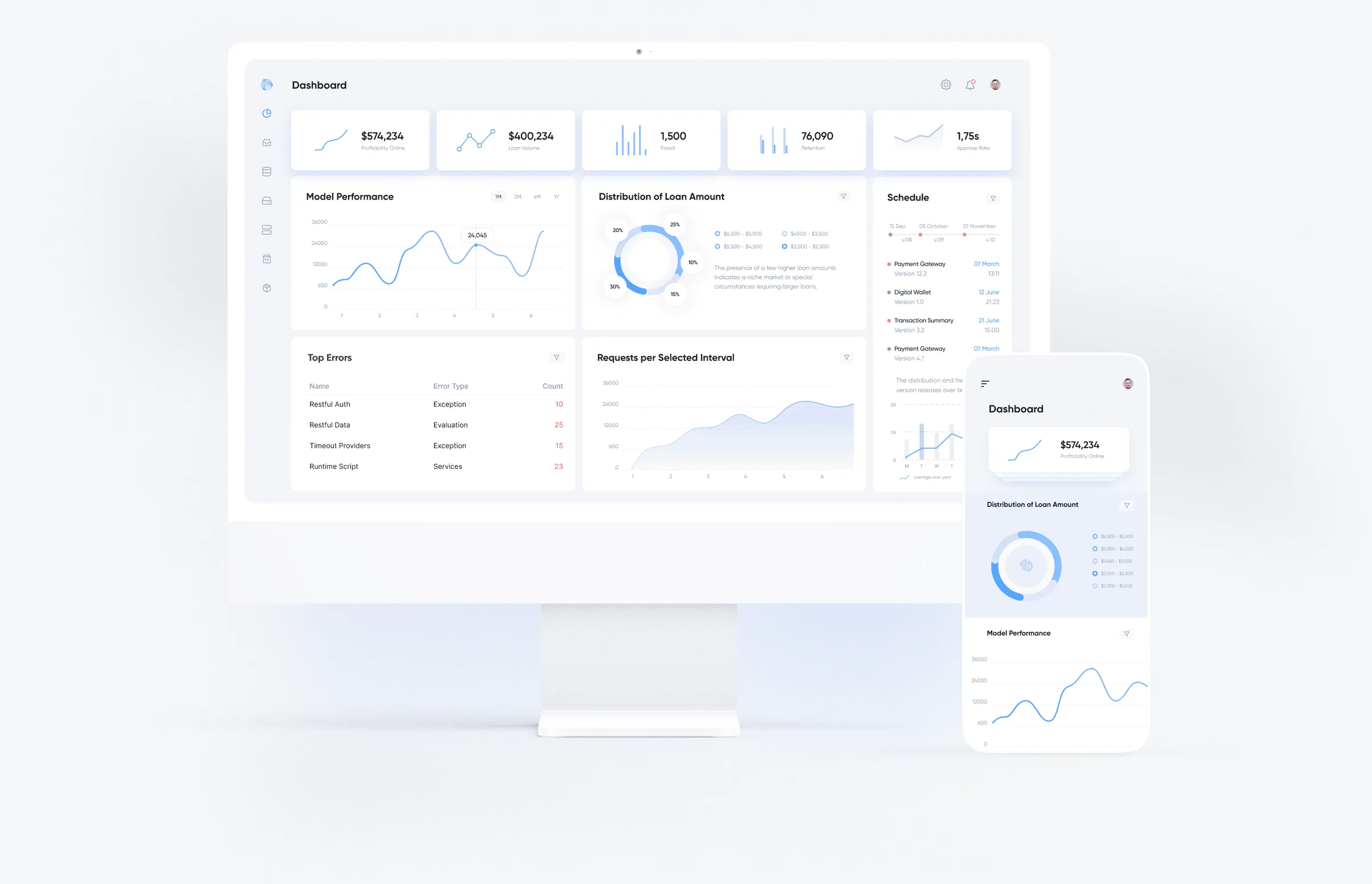
The final interface brings together system logic, user needs, and business constraints into a clear, intuitive experience — a unified product across web and mobile, built on a scalable system. Users can quickly assemble interfaces using reusable components, reducing complexity and increasing speed, with a predictable experience across flows and use cases.
Impact
Reduced design iteration time through reusable components. Increased consistency across the product experience. Simplified complex business flows for non-technical users. Enabled scalable and flexible workflow configuration. Strengthened collaboration between design and development teams.